




Most people’s mental model of generating an asset with AI is one shot in, one result out, judge it, throw it away if it is wrong. That model produces disappointment reliably, because a single generation is a guess and guesses are usually close but rarely right.
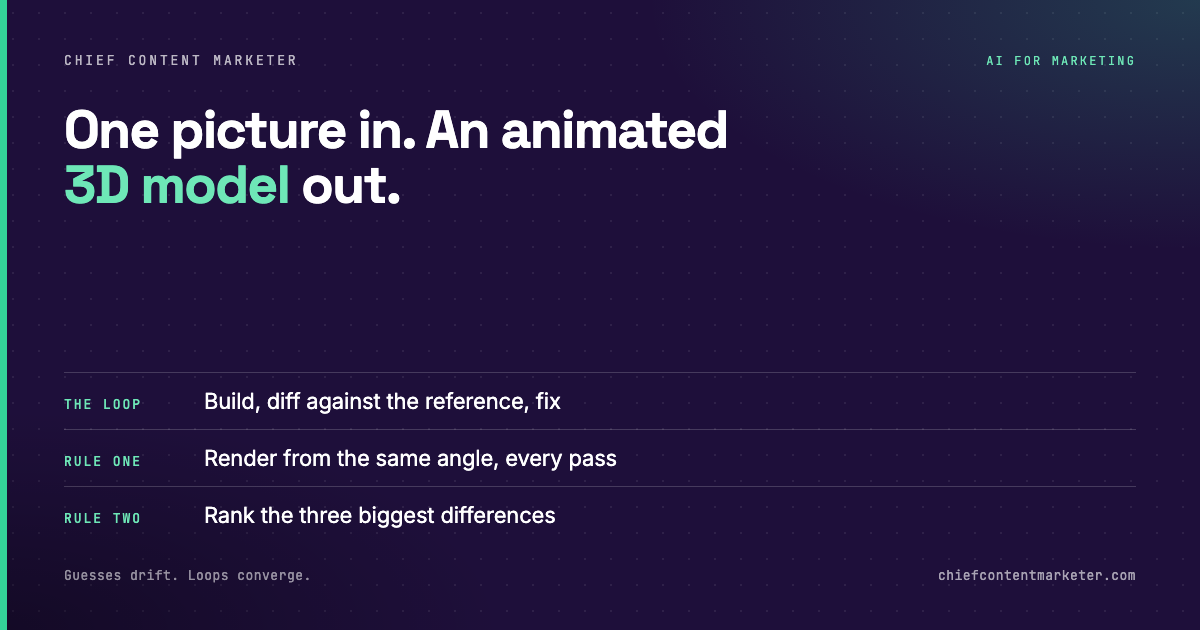
The workflow that actually produces usable assets has a loop in it. You give the model a reference, it builds something, it compares its own output against that reference, and it corrects. Repeat until the difference stops shrinking.
That is the mechanic behind turning a single picture into an animated 3D model, and it is far more useful to understand than the specific tool.
An image and a name are enough
The instruction is not a detailed 3D specification. It is a picture and a name. That works because the image carries far more information than any paragraph you could write about it: silhouette, proportion, material read, the parts that need to be distinct for the thing to look like itself.
The name matters more than it sounds like it should. Giving the object a name turns it into a subject rather than a mesh, and it gives the model a consistent handle across every iteration in the loop. When you say “make the octopus arms thinner,” the name is what the instruction attaches to.
This is the same principle behind good prompting anywhere: name the thing once, then refer to it by name. Vague references produce vague revisions.
Convergence beats first-shot accuracy
A single-image 3D build will almost never match on the first attempt. The proportions will be slightly off, a material will read wrong, a limb will sit at the wrong angle. If you judge that first output, you conclude the tool does not work.
The agent does not judge. It compares. Render the current model from the camera angle the reference was taken from, diff the two images, and fix the largest discrepancy. Then do it again.
Each pass shrinks the gap. That is the entire trick, and it is not really a trick at all. It is just what a careful human artist does, executed without getting bored.
It does not stop at the static model
A model that only exists as geometry is a prop. The useful version is animated, because motion is what makes an asset usable in a video or a product page.

The agent can rig and animate the thing it built, which removes the step most people stall on. Rigging is the part of 3D that has the steepest learning curve and the least visible payoff, and it is exactly the kind of rigid, rule-bound work that is well suited to being automated.
The same run can generate an audio track to match. That is a small thing on its own and a large thing in aggregate, because a loop you can point at a single image and get back a finished, animated, scored asset is a different category of tool than one that hands you a mesh file.
Single-image 3D infers depth from outline. A cluttered background or an ambiguous shape gives it nothing to work with.
Consistent naming is what lets revisions attach to the right part across many passes.
Render from the reference’s angle and diff it. Skipping the compare turns the loop into random variation.
Two passes with no meaningful improvement means you have hit the information limit of a single image. Add a second angle instead of another pass.
Single-image 3D works well for objects with a strong, readable silhouette and simple material logic. It struggles with anything that depends on information the photo cannot show: the back of an object, interior structure, fine mechanical detail, exact scale. If the asset has to be dimensionally accurate or production-ready for manufacturing, this is a prototyping tool, not a pipeline. Treat the output as a fast concept pass you can iterate on, and keep a real modelling step for anything that ships as a physical product.
Apply the compare loop to everything
The valuable idea here is not 3D. It is that a reference plus a self-comparison step turns a one-shot guess into a converging process. You can apply that to landing pages, ad creative, image generation, even copy: give the model the target, have it diff its own output against the target, and fix the largest gap.
That single change is the difference between AI output you throw away and AI output you ship. The model is not the bottleneck. The missing loop is.
Pick one asset you have been generating one-shot and boring yourself with. Give it a reference, force a compare, and run three passes. Count how many you would have kept at one pass versus three.