
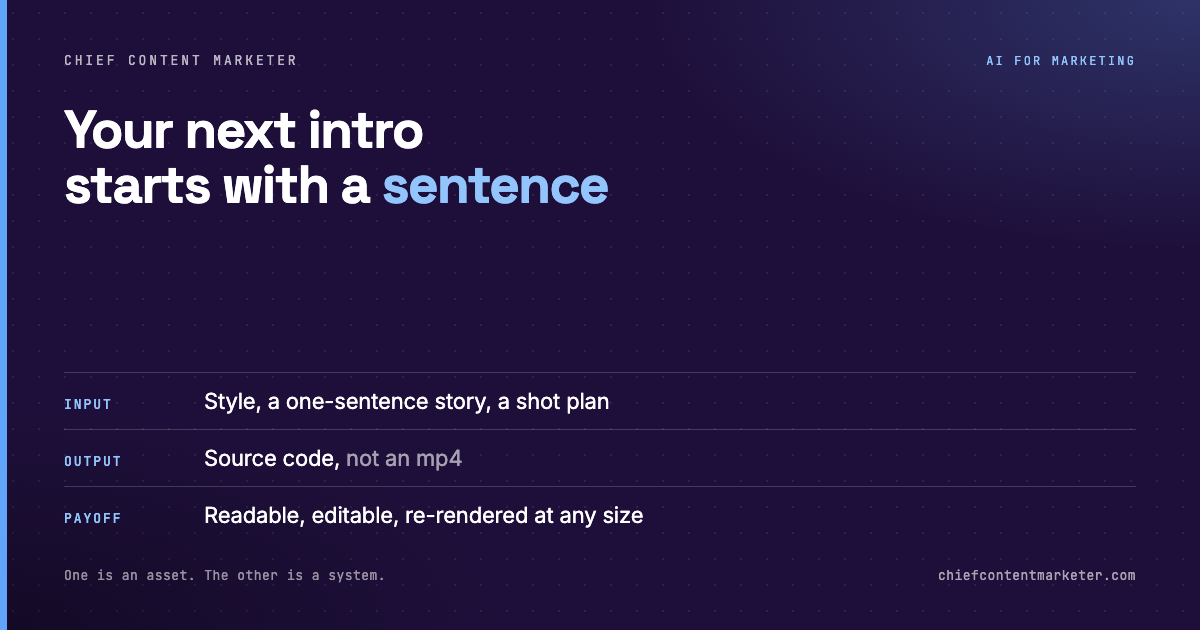




The usual output of an AI video tool is a file. An mp4. It looks good, it is the wrong length, and your only options are regenerate or accept it.
The other output is code. Frames defined as instructions, timing defined as numbers, the whole thing sitting in a text file that a coding agent can read and rewrite.
That distinction sounds technical and it is commercially important, because one of those outputs is an asset and the other is a system.
The deliverable is source code, not a video
When animation is code, everything that is true of code becomes true of your motion graphics. You can diff two versions and see exactly what changed. You can commit it, branch it, and roll back the version you liked better. You can parameterize the parts that change per campaign and leave the parts that do not.
Most immediately useful: you can re-render the same animation at any aspect ratio or resolution without rebuilding it. The square version for a feed, the vertical for a short, the wide for a deck, all from one source instead of three separate exports.
And because it is code, a coding agent can edit it. “Make the intro two seconds shorter and change the accent to our brand blue” becomes a task the model can execute directly rather than a note you send to an editor.
341 styles is really a vocabulary of looks
A large style library is useful for one specific reason: it lets you name a look instead of describing it. Ink painting. Neon rain. Retro pixel. Cinematic transition. Each is a decision already made about palette, texture, motion character, and pacing.
You are not browsing for inspiration. You are selecting a starting point that already has taste baked in, which is the fastest route to an output that does not look like default AI output.
The scale matters less than the range. Three hundred looks that are all variations on the same aesthetic would be worse than forty that span genuinely different visual languages. When you evaluate a library like this, check the range, not the count.
Pick a look, tell the story, let it plan the shots
The interesting part of this workflow is that you are not specifying shots. You are giving a style and a story, and the agent plans the sequence, builds each frame, and assembles the animation.

That moves the human work up a level, from execution to direction. You are making decisions about tone, narrative, and pacing, and the model is making decisions about keyframes and easing curves. That is the correct division of labor, because the second set of decisions is mechanical and the first is not.
Choosing a look is a creative decision. Pick it before you start generating, not after, or you will blend two registers.
The constraint is the point. A sentence forces a clear throughline and gives the agent something to plan shots around.
Review the plan before it builds. Fixing five lines of shot list is cheap. Fixing a rendered animation is not.
This is the payoff. One source, every aspect ratio, edited by prompt instead of by hand.
Use it for anything you will need in multiple formats, anything you will revise more than once, and anything that becomes a recurring franchise rather than a one-off. It is the wrong choice for footage-led work, for anything requiring real people, and for one-off assets where a single render is genuinely the end of the job. The advantage is residual value: you are buying a reusable system, so it only pays if you reuse it.
Start with a sentence, not a blank timeline
The blank timeline is the oldest tax on creative work. You open an editor, there is nothing on it, and the first hour goes to setup rather than ideas. Starting from a sentence and a named style deletes that hour entirely.
But the reason to care is not speed on the first version. It is that the second, third, and tenth versions cost almost nothing, because you kept the source and the source is editable.
Pick one asset you rebuild every quarter. Build it once as code, in one of these styles, and see whether the next rebuild is a prompt or a project.