




“AI video” usually means a model that guesses at pixels. This is the opposite, and it is why it is both free and correct. Claude Code does not generate a video at all. It writes the video as code, and code can be checked, redrawn and fixed. If you have been assuming motion graphics need Remotion, After Effects or a paid generator, the assumption is the only thing in the way.
The distinction is not pedantic. A generated video is a set of guesses you cannot inspect, priced per attempt. A coded video is a description of every frame, priced by usage on a plan you may already have, and correct by construction because the same input always produces the same frame. One is a lottery ticket. The other is a build.
A video is a function of time
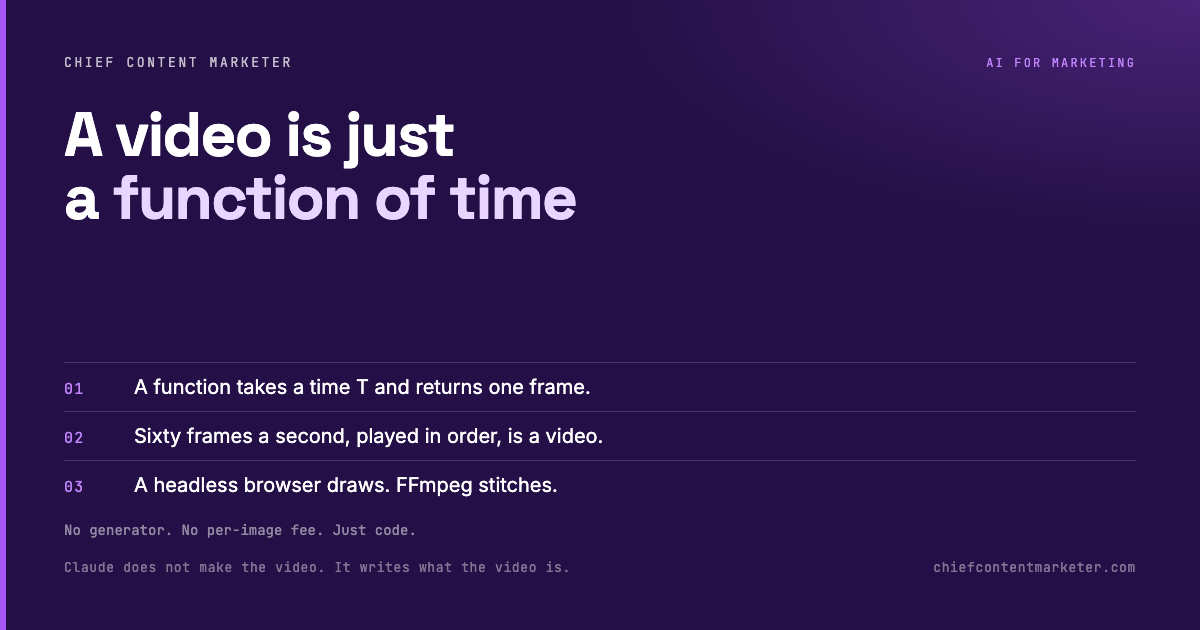
This is the whole idea, and once it lands everything else follows. Claude writes a function that takes a time, call it T, and returns one picture. Ask for sixty pictures every second and play them in order, and you have a video. Same T, same picture, every time. That determinism is not a detail; it is the property that makes any single frame re-drawable and inspectable on its own.
So Claude never made a video. It wrote what the video is. The output is not a rendered guess, it is a description of every frame, which happens to be executable. That means you can change frame four hundred and eleven without touching anything else, and you can prove the output is stable, which is exactly what you cannot do with a generative model that gives a slightly different result on every call.
Draw, stitch, listen
Three moving parts, each replaceable. A headless browser, typically Playwright, draws each frame, so Claude Code effectively carries its own copy of Chrome that it can look at. FFmpeg stitches the frames into an MP4. And the sound is a function of T as well, so audio lines up with the picture without a separate editing pass. Nothing here is a proprietary renderer; it is a browser and a muxer, both free.
The part that makes it usable
Claude cannot watch a video, but it can look at the frames it just produced, spot what is wrong, and fix the function. Whether it is sixty frames or two hundred and forty, it runs the sequence in the headless browser, inspects frame by frame, and edits the code until the output is right. That loop is why the quality holds up without a human scrubbing a timeline: the agent is reviewing its own work at the level of the code, not the pixel.
Codify it once, then hand it a URL
Prompting this by hand works, but the durable version is to codify the whole flow into a skill that walks from step zero to a finished product. Install it as a plugin, or hand Claude Code the skill URL and let it set everything up, including the prerequisites: Playwright, FFmpeg, Faster Whisper, and optionally an ElevenLabs connector for the voiceover. From then on, “make me a video about X” is a single instruction.
What to watch
Three honest limits. You are hand-building the look, so bringing in reference images matters more here than anywhere; without them the frames default to generic. This is code, so a broken function is a broken frame, and complex sequences take iteration, though the self-check loop shortens it. And the tooling is still moving, so expect rough edges and, if you improve it, to send the change back rather than wait for someone else to.
There is also a rendering-time reality. A sixty-frame second is fast; a five-minute film at sixty frames per second is eighteen thousand frames, and every one of them is drawn in a browser and encoded by FFmpeg. For a short clip, a loop, or an explainer, that is minutes. For anything feature-length, you are running a render farm on your laptop and should plan accordingly.
The reason to care is simple: no third-party generator, no per-image fee, and a result you can reason about. You are not paying for guesses. You are paying for usage on code that describes exactly what the video is.

Why reference images are not optional
The single biggest lever on quality is what you show it, not what you tell it. Handed no reference, a model producing frames from code defaults to a clean, flat, unmistakably generic look, because that is the safest thing it can build. Hand it a screenshot of a style you actually like, a brand palette, a frame from a reel you admire, and the function it writes is aimed at something real. The frames stop being correct and start being yours.
References do a second job as well: they give the self-check loop something to compare against. When Claude inspects its own frames, it is judging them against a target, and a target it can see produces a far better correction than a target it only read about. The difference between a mediocre first render and a strong one is often a single image handed over at the start.
Put the two ideas together and the workflow is simple. Name the library, describe the frames as a function of time, hand it a reference, and let it check its own work. That is the whole method, and none of it requires a generator, a subscription beyond the one you have, or a payment per image.