
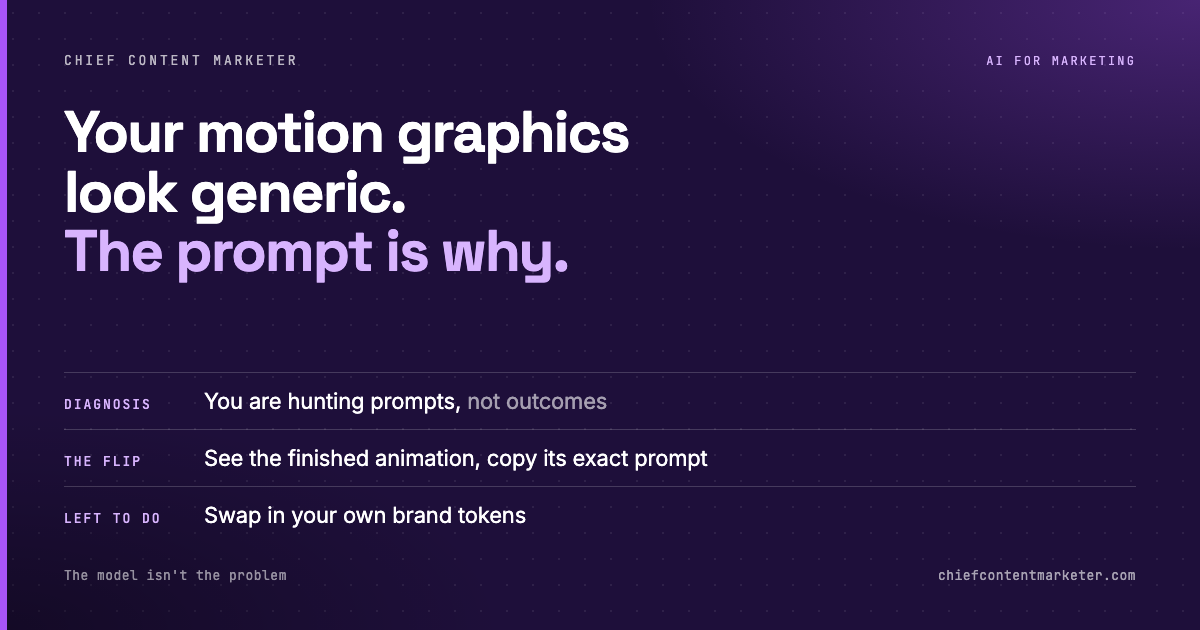




Ask a marketer why their AI-generated motion graphics look like everyone else’s and they will almost always blame the model. Too generic. Same aesthetic. Cannot hold a brand.
That diagnosis is wrong, and it costs real money. The model will produce a premium animated product card, a slick chart build, or a phone-screen reveal if you ask for it precisely. The problem is that most people cannot describe what they want precisely enough, so they describe it vaguely, get a vague result, and conclude the tool is limited.
The bottleneck is the prompt. Everything that follows is a consequence of accepting that.
Generation is cheap, description is expensive
Producing a motion graphic used to be the hard part. Keyframing, easing curves, timing, export settings. That work now takes seconds. What has not gotten cheaper is the act of describing an animation accurately enough that a model can build it.
This is the same shift that hit copywriting two years ago. Writing was never the constraint. Knowing what to write was. Everyone who learned to prompt by guessing at adjectives plateaued at the same mediocre output, and everyone who learned to prompt by specifying structure, timing, and constraints broke through.
Motion is harder than copy for one reason: you cannot see your prompt. With text you read the result and immediately know what to fix. With animation you get a finished artifact and have to reverse-engineer why it feels wrong. Was it the easing? The stagger? The scale? The color?
That reverse-engineering is the expensive part. And it is where most teams burn their budget.
Result-first browsing beats prompt-first guessing
The mental model that works is a recipe card with the photograph on top. You see the dish before you cook. You know whether it is what you actually wanted before you spend a single token finding out.
Prompt libraries built this way invert the normal search. Instead of typing “animated product card prompt” into a search engine and reading forum threads about what might work, you browse finished animations, find the one that matches the look you are after, and take the prompt sitting next to it.
That single inversion removes the most expensive step in the workflow: the trial-and-error loop where you generate something, judge it, and guess at a correction. When you start from a prompt that is already known to produce a specific result, your first generation is close and your edits are small.

There are over 400 of these prompts in the wild now, which sounds like a lot until you realize they are not interchangeable. They are organized by what you are making, not by what tool makes it. That distinction matters more than it looks.
Sort by output type, never by tool
A prompt library sorted by tool is a list of features. A prompt library sorted by output is a list of jobs. You do not wake up needing “a Claude prompt.” You wake up needing a product demo, a chart build, a phone screen mockup, or moving text.
That is the organizing principle that makes a library usable under deadline. You open the product demo shelf, pick the one that matches your brand’s motion language, swap the copy, and ship. The category is the brief.
The categories that cover most marketing work are narrow and predictable:
- Product demos — device frames, feature callouts, specular highlights
- Chart builds — bars that grow, values that count, axes that settle last
- Phone screens — mask wipes, status bars, scroll reveals
- Moving text — kinetic type, word-by-word reveals, emphasis hits
If your library does not have a shelf for the thing you need this week, the library is not built for your job. That is a useful test before you pay for one.
Copy the prompt, then change almost nothing
The instinct when you take a prompt from a library is to rewrite it. Resist that. The prompt is a calibrated set of numbers. Every easing value, stagger interval, and duration is doing work. Rewrite it from scratch and you lose the calibration that made the output good in the first place.
Change exactly four things: your product, your words, your colors, and your aspect ratio. Leave the timing and the structure alone. Those are the parts you could not have written yourself, and they are the parts carrying the quality.
Open the shelf for the asset you need this week. Judge animations, not descriptions.
Take the string exactly as written. Do not clean it up or shorten it on the way in.
Product name, copy, hex colors, dimensions. Everything else stays fixed.
If it feels wrong, change timing OR color OR scale. Never two at once, or you cannot tell what fixed it.
Use a prompt library when you need a known motion pattern executed fast: demos, charts, reveals, kinetic type. Do not use one when the animation itself is the creative idea. A library gives you execution quality on a solved problem. It does not invent a new visual language, and if your campaign rests on being visually novel, borrowing a prompt is the wrong move.
Stop paying for trial and error
Every generation you run to test a guess costs tokens and time, and most of them fail for reasons you cannot see. That is the tax on not knowing what a good prompt looks like.
A result-first library is a way to pay that tax once, collectively, instead of repeatedly and alone. You are not outsourcing creativity. You are outsourcing the part of the job that was always mechanical: figuring out which numbers make an easing curve feel expensive.
Pick one animation you have been meaning to build. Find the finished version of it in a library, take the prompt, and swap your brand in. Compare the time it takes against writing it from scratch. That comparison usually ends the debate.