




Ask a model for a landing page with no references and you get the page everyone else gets. Rounded cards, a gradient hero, three feature columns, a generic call to action. The model has seen everything, so with no target it returns the mean of everything.
AI Designs the Average
Design quality is a retrieval problem before it is a taste problem. The model is not short on ability. It is short on direction. Say “make it modern and clean” and you have told it nothing it can act on, so it reaches for the most common pattern in its training data.
A reference gallery fixes that in one move. Hand it five landing pages that actually convert and the model stops inventing, because now it has a structure to copy: this many sections, proof here, the ask in this position. That is the whole trick, and it works for every asset type, not just web pages.
The Reference Libraries Worth Bookmarking
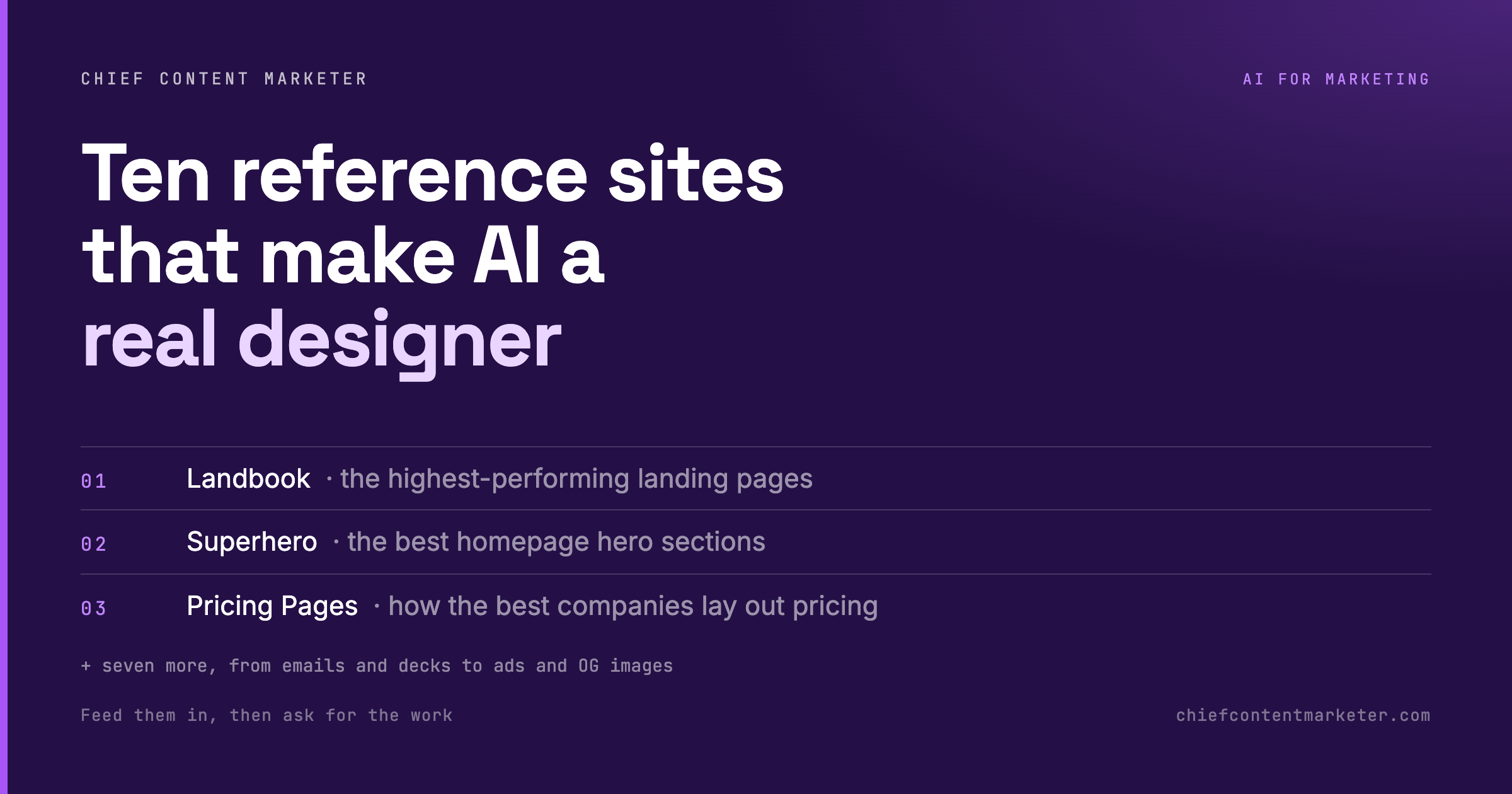
One gallery per asset type. Feed the right one and the output stops looking generated.
| # | Site | What it gives the model |
|---|---|---|
| 01 | Landbook | High-performing landing pages, organized by what actually drives signups. |
| 02 | Superhero | The best homepage hero sections, isolated so you can study one decision at a time. |
| 03 | Pricing Pages | How strong companies structure tiers, anchors and feature rows for revenue. |
| 04 | Social Proof Examples | Roughly 200 ways to show testimonials, logos and case results. |
| 05 | Really Good Emails | A large library of marketing emails from brands that actually send well. |
| 06 | Deck.Gallery | Slide decks, reports and brand guidelines from companies like Nike and Burger King. |
| 07 | Posts.Design | Social posts filtered by style and colour, so you can hand over a lane, not a mood. |
| 08 | Adfolio | Real Instagram, Facebook and LinkedIn ads, annotated with why each one works. |
| 09 | Navbar Gallery | Navigation menus, from plain navbars to mega-menus holding whole sections. |
| 10 | OG Image Gallery | The preview images that appear when a link is shared, built to be clicked. |
Show Structure, Not Vibes
The list is the easy part. The prompt is where most people lose the benefit. Pasting ten random links produces a mush of ten different styles. Pasting three from the same gallery, then asking for the structure, produces something you can actually build on.
Ask what is above the fold, how many sections the page runs, where the proof sits, what the call to action says, and what got cut. Then ask for your own layout that follows the same structure with your content. Reference the pattern first, design second. Doing it in that order is the difference between a page that looks like the model’s opinion and one that looks like the market’s evidence.
Better Inputs Beat Better Prompts
Everyone is looking for the magic prompt. The people shipping good-looking work with AI are doing something less glamorous: they are handing over examples. A reference gallery turns a vague instruction into a brief, and a brief is what a designer has always needed to do good work.
Start with the one asset you produce most. Bookmark the matching gallery, brew the habit of pasting three links before you ask for anything, and watch how much less editing you do afterwards.