
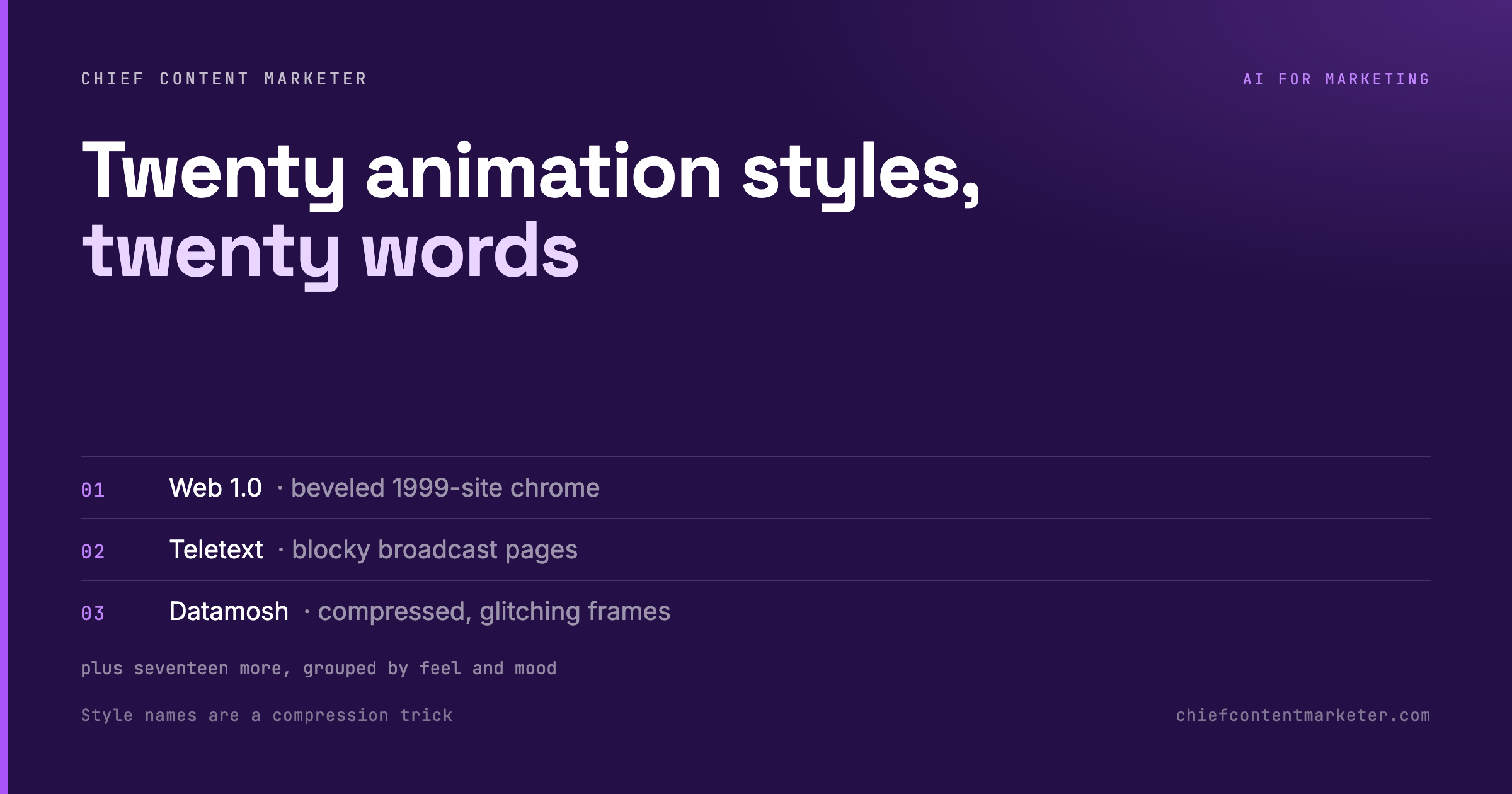




There is a reason most AI video looks the same. The prompts describe a mood instead of naming a style. Say “Teletext” and you get blocky broadcast pixels. Say “Datamosh” and you get corrupted, glitching frames. Every one of these looks has a name, and the name is the prompt. That is the whole lever.
Style Names Are a Compression Trick
Ask a model for “something cool and retro” and you get mush, because the instruction is a vibe, not a target. Ask for “Memphis” and you get 80s squiggles, confetti geometry and a specific palette, because that single word compresses decades of visual convention into something the model already knows.
This is the most underrated prompting skill in visual work. The model has read more design history than any of us. Your job is to hand it the right proper noun and get out of the way.
The 20 Styles, Grouped by Feel
Grouped so you can pick by mood rather than scrolling a flat list.
Retro and interface. Web 1.0 (beveled 1999-site chrome), Teletext (blocky broadcast pages), Memphis (80s squiggles and confetti geometry), Word art (stretched chrome display type), Skeuomorphic (stitched leather, glossy buttons), Retro desk (old-OS windows and icons).
Organic and handmade. Watercolour (bleeding washes, paper grain), Origami (folded planes and creases), Collage (torn edges, tape, layered scraps).
Motion and abstract. Topographic (flowing contour lines), Flow field (thousands of particles following a vector field), Spirograph (interlocking gears, looping curves), Op art (high-contrast optical vibration), Light painting (glowing streaks in the dark), Aurora (soft ribbons of colour).
Texture and distortion. Psychedelic (melting hue shifts), Thermal camera (false-colour heat bloom), Datamosh (compressed, glitching frames), 1-bit dither (two-tone stipple like an early Mac), Neumorphism (soft extruded plastic).
The Formula: Subject, Style, Motion
Three slots, filled in order. The subject is what you are showing. The style is the proper noun from the list. The motion is how it moves, and it is the slot most people forget.
“A coffee cup, animated in Teletext style, slowly pulsing.” That is a complete brief. It tells the model what, the look, and the behaviour. Change one word and you get a completely different video, which is exactly why this is cheap to iterate on. Generate six, keep the one that fits the post, and move on.

Where this pays off is short-form video and social graphics, the places where a single striking look does more work than a polished brand system. A 20-second style test costs one prompt and thirty seconds of generation. That is cheap enough to experiment wildly, which is how you find the one look that becomes your signature.
Build Your Own Style Vocabulary
This list is a starting kit, not the whole language. Every time you see a look you like, name it and add it to your own prompt file. Over a few months you end up with a personal dictionary of visual styles you can call on instantly, which is a far better asset than any single prompt.
Start with the four groups above. Pick one style per post, keep the subject concrete, and always name the motion. That alone will make your output look less like AI and more like a choice.