




The reason most people assume 3D needs an animation suite is that they have never seen it reduced to a prompt. A 3D scene on the web is a canvas, a camera, a loop and some geometry. Claude can write all four. You do not install anything to get there: no plugins, no skills, no MCP servers. Open Claude on Opus 5.5, name the library Three.js, and describe the world.
Three.js is the free, open-source code library behind most 3D on the web. Naming it is the whole trick. It gives the model a concrete target instead of a vague instruction to “make a 3D animation”, and concrete targets are what turn a chat into a build. When you name the tool, you hand the model a vocabulary it already understands, and the gap between a request and a working artifact closes to almost nothing.
Point Claude at Three.js, then describe one world
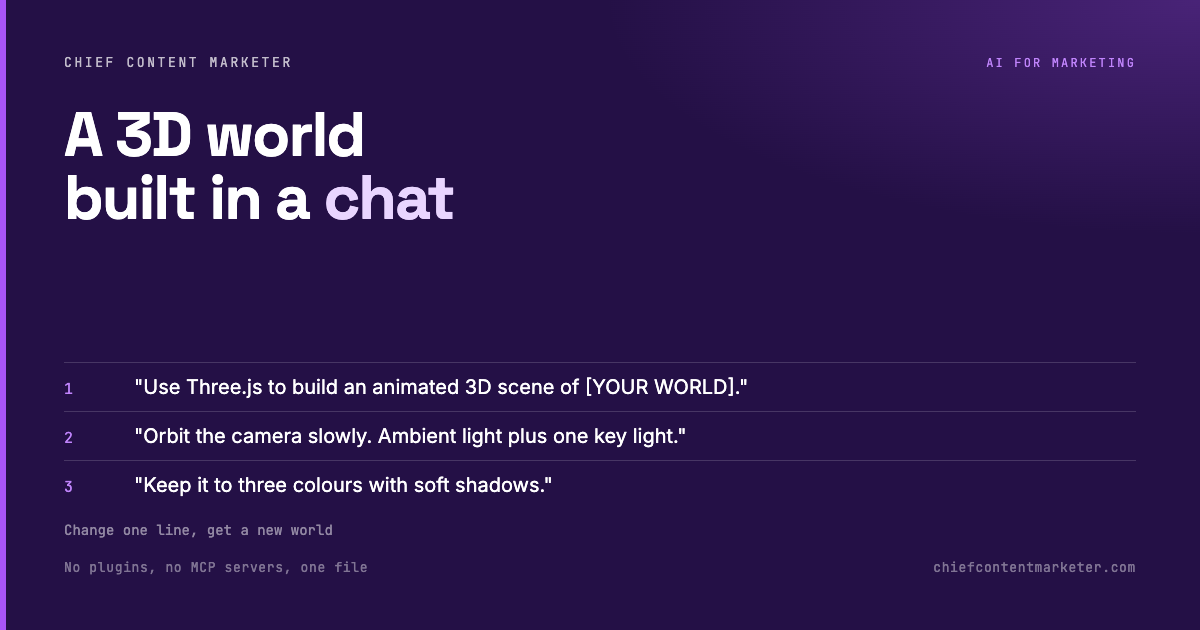
Start by telling it to use Three.js to build an animated scene of the world you want, on a full-screen canvas with a single camera and a smooth loop. That is a complete brief. The mistake is asking for “something cool”; the model has no anchor to render. Tell it the world and it has a target. “A rocket factory” is a target. “Something cool” is a wish.
The brief does not have to be long, but it has to be specific about the scene, not the feeling. A harbour with cranes and slow water. A dashboard with floating panels. A rotating product. Each of these is a set of objects the model can lay out in three dimensions, and once it has the objects the rest of the scene is detail work it can fill in on its own.
The details that make it look intentional
Two additions carry most of the quality. A slow camera orbit turns a static scene into motion, and motion is what reads as animation rather than a screenshot. A constrained palette, three colours and soft shadows, stops the output looking like a default render. Neither is decoration; both are instructions that push the result past generic. Left to its own defaults, a model will produce something technically correct and visually forgettable, which is exactly the failure mode a prompt is supposed to prevent.
This is the same discipline that separates a good image prompt from a bad one. You are not describing what you want to see, you are constraining the space the model works in. Three colours is a constraint. A slow orbit is a constraint. Soft shadows is a constraint. Constraints are what make the output look like a decision instead of a default.
Ask for a single file
End with the practical request: give me the full single-file HTML I can open in a browser. No build step, no package install, no server. One file you can drop anywhere. From there the same template builds a rocket factory, a harbour, an animated dashboard, or a 3D tour of your own business, just by changing the bracketed world.
What to watch
Three honest limits. Claude assembles a working scene, not a production pipeline; if you need rigged characters or a close-up render farm, this is the wrong tool. Reuse is real but not free, so the more specific your world becomes, the more you will iterate on the visual detail by hand. And a single-file HTML is a demo, not an app; wiring it into a real product still means a developer.
There is also a performance ceiling worth knowing about. A scene with a few dozen simple shapes runs anywhere. A scene with thousands of objects, heavy textures, or physics will crawl in a browser tab, because you are rendering live geometry rather than playing back a video. For a loop, a hero, or a short intro, that is fine. For a five-minute film, you want a different pipeline entirely.
Used well, the chat is the studio and the prompt is the brief. One template, applied to whatever world you need today.

How to refine a scene without starting over
The first render is never the one you keep, and the skill is knowing what to change. Resist the urge to rewrite the whole prompt. Point at one thing instead: “make the light warmer”, “slow the orbit down”, “the water should look calmer”. Each of those is a single variable, and changing one at a time is how you learn what each instruction actually does. Change five things at once and you will not know which of them helped.
If a scene comes back looking flat, the fix is almost always contrast, not complexity. A darker background behind a lighter subject, or one bright accent against a muted field, does more than adding another object. Detail without contrast reads as noise, which is why the three colour constraint earlier is not a limitation so much as a shortcut to something that looks deliberate.
When you have a scene you like, the last move is to make it a template. Keep the prompt with the bracketed world and note what each of the other lines controls. That is the whole asset: not one good render, but a prompt you can point at a new subject and trust to produce something coherent in under a minute.